Vape Device Status Light Guide: When to Check Support
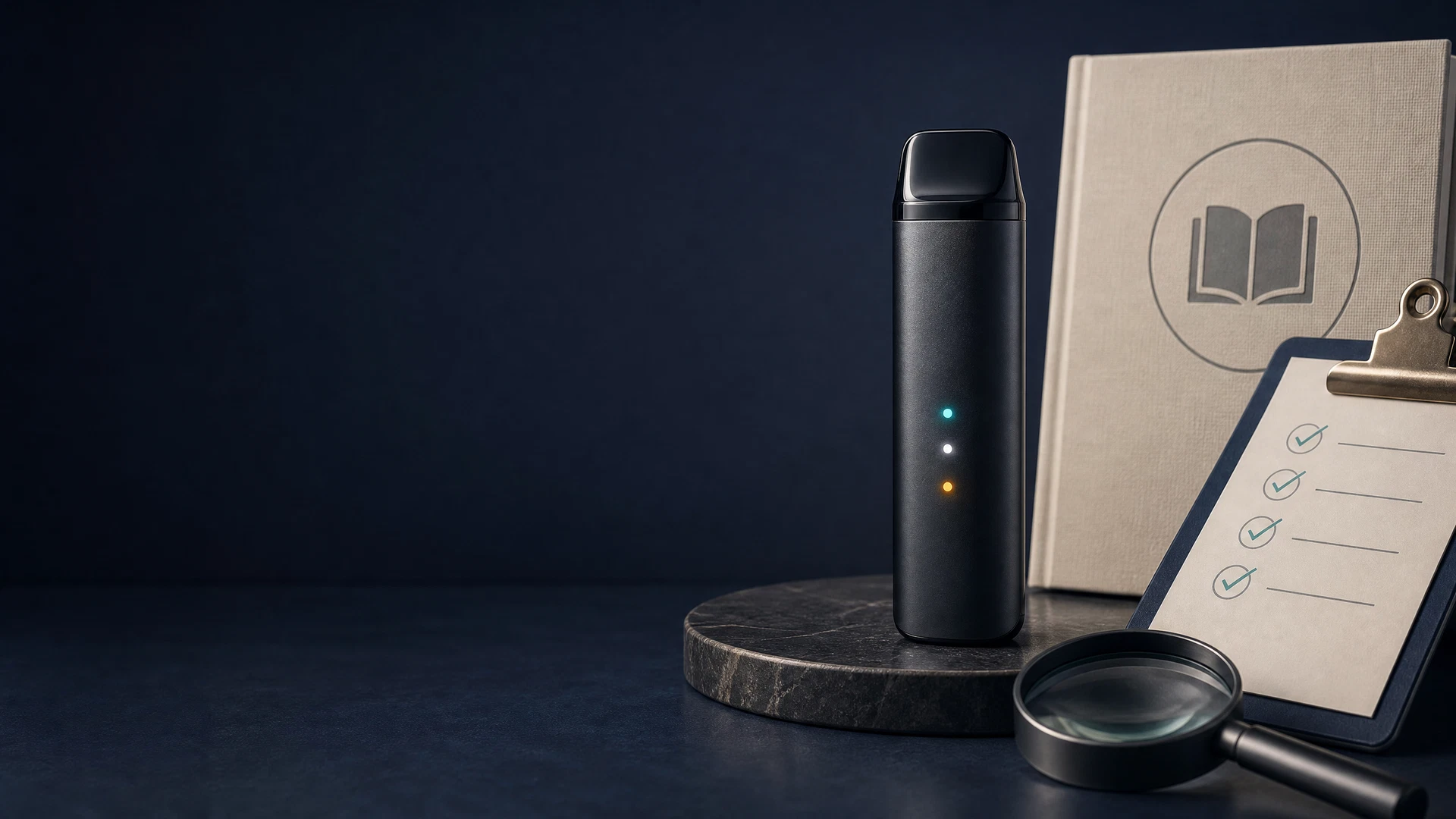
A practical, adult-focused explainer that helps you interpret common status-light behavior, identify abnormal signs, and decide when to contact manufacturer or retailer for model-specific help.
Vape Device Status Light Guide: When to Check Support
This adult-only, evidence-led vape device status light guide explains how status lights are commonly used, what abnormal signs to watch for, and clear decision points for contacting support. The primary keyword appears early for search clarity and context.
Why status lights matter (and what they do)
Status lights are a simple interface manufacturers use to signal battery level, charging state, firmware or lock modes, and error conditions. Their meaning is model-specific: always check the device manual or manufacturer guidance first. The U.S. Food and Drug Administration provides public safety information on e-cigarette battery incidents and stresses that device-specific instructions matter.
Practical checks you can do (adult users only)
- Confirm the manual: find the light legend in the user manual or the manufacturer’s support pages before assuming a pattern. - Observe but do not modify: note color, steady vs. flashing, and timing, then power down if the device behaves unusually. - Smell and temperature: if you detect burning, chemical odors, extreme heat, swelling, or leaking, stop using the device immediately and remove battery power according to the manufacturer’s directions.
Do not attempt to open, repair, or modify the device yourself. Abnormal or damaged devices require cautious, model-specific support rather than modification.
Decision points: when to seek support now
Contact the manufacturer, retailer, or an authorised service channel if you encounter any of the following:
- Repeated, unexplained error lights after following the manual’s reset/charge steps. - Persistent failure to charge or complete charge cycles despite using recommended cables and chargers. - Unusual physical conditions: overheating during normal use, swelling, leakage, visible damage to battery or casing, or any smell of combustion. - Unrecognized blinking patterns you cannot match to the manual and that coincide with heat, smoke, or malfunction.
If a device shows mild, clearly documented low-battery indicators and the manual confirms normal behaviour, follow the manufacturer’s charging guidance rather than contacting support.
How to gather useful information before contacting support
Prepare: model name, serial or batch number if available, where/when purchased, photos or short video of the light pattern and any physical symptoms, and a description of steps you already tried (power cycle, recommended cable, known-good charger). This helps manufacturers or retailers give model-specific advice faster.
Jurisdiction and legal limits
This guide provides high-level safety information only. It does not replace device manuals, manufacturer instructions, medical advice, or local law. If the issue raises regulatory or legal questions, consult a qualified professional. The source material cited is public safety information from the U.S. Food and Drug Administration and is not legal advice.
Quick checklist (adult users)
- Check manual first. - Stop use if device is hot, swollen, leaking, smoking, or emits burning odour. - Do not open, repair, or modify the device yourself. - Collect model and purchase details, photos, and steps tried before contacting support.
Further reading
https://www.fda.gov/tobacco-products/products-ingredients-components/tips-help-avoid-vape-battery-fires-or-explosions